
How to make Facebook style shimmer animation in Framer js
Originally published on Medium.
A step by step guide for beginners.
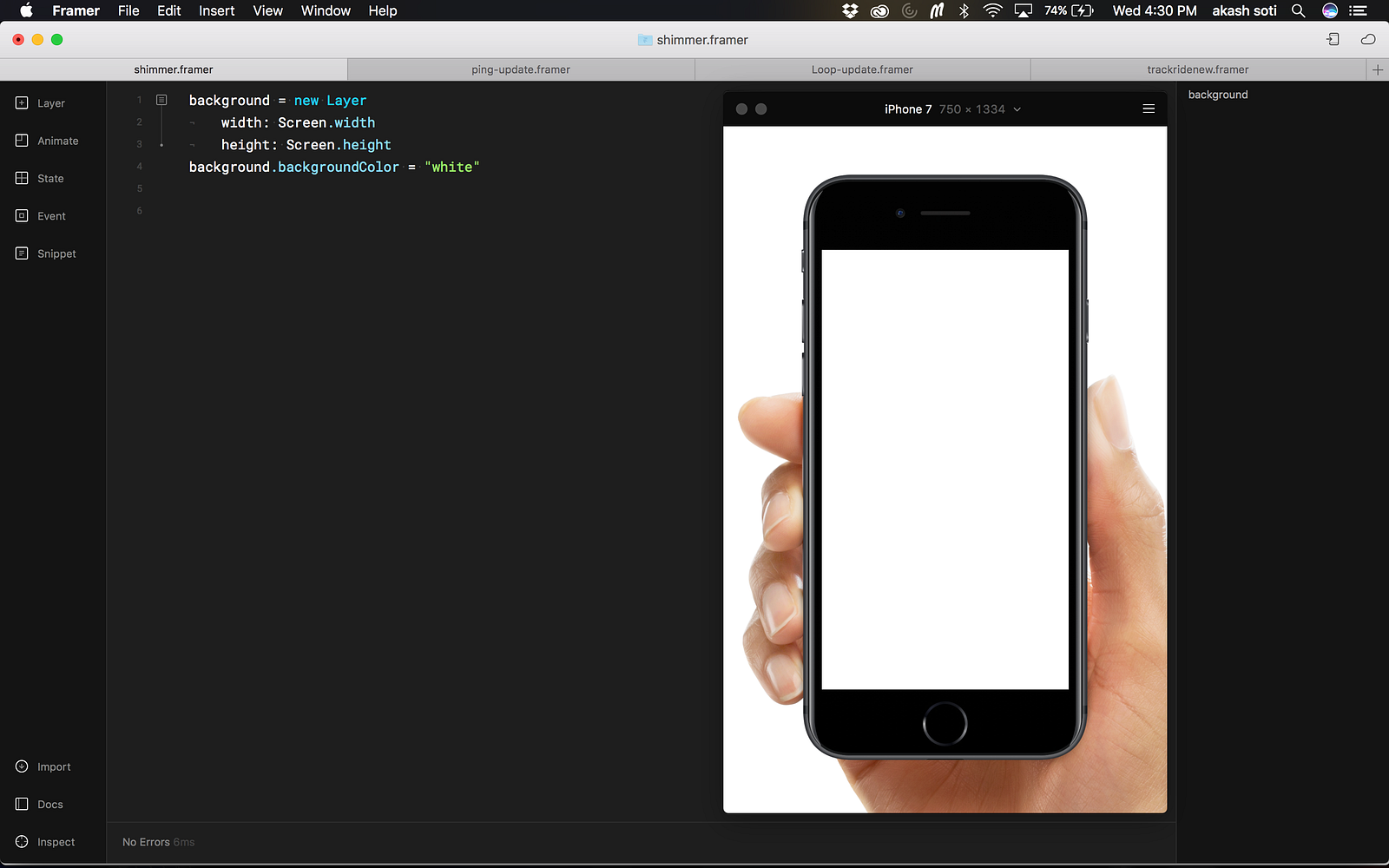
1. Let’s add a white background to our phone.
I picked up iphone 7 as my phone.
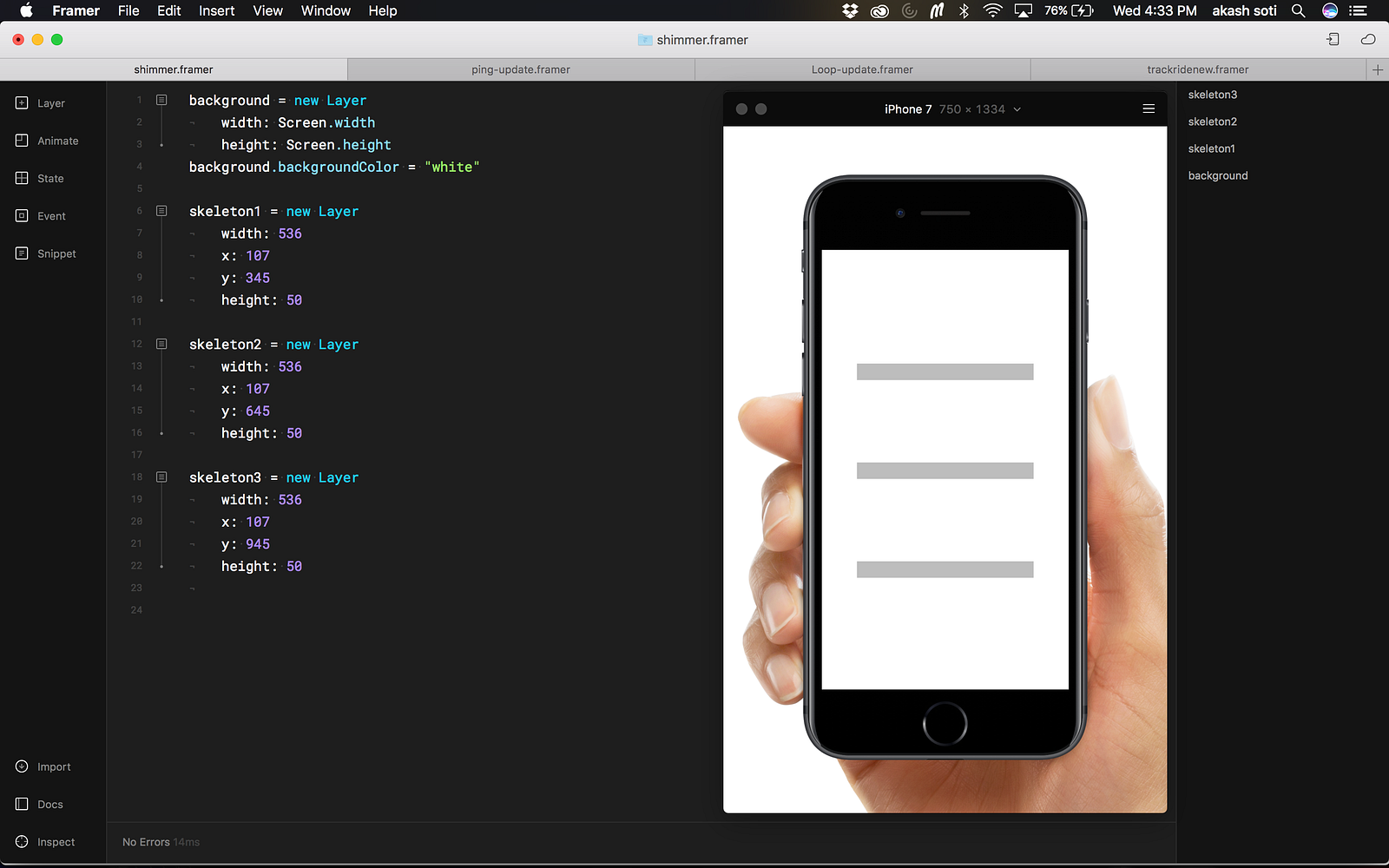
2. Let’s make a hollow box which will hold the shimmer animation
skeleton1 = new Layer
  width: 536
  x: 107
  y: 345
  height: 50
I made three skeletons…(see below)
3. Lets’s add the skeleton boxes to an array
myLayers = [skeleton1,skeleton2,skeleton3]
We added skeleton1, skeleton2, skeleton3 (grey boxes) to an array so that we can loop through them and create shimmer layer inside each box.
4. Let’s make a function which will help us create and add shimmer to each skeleton box.
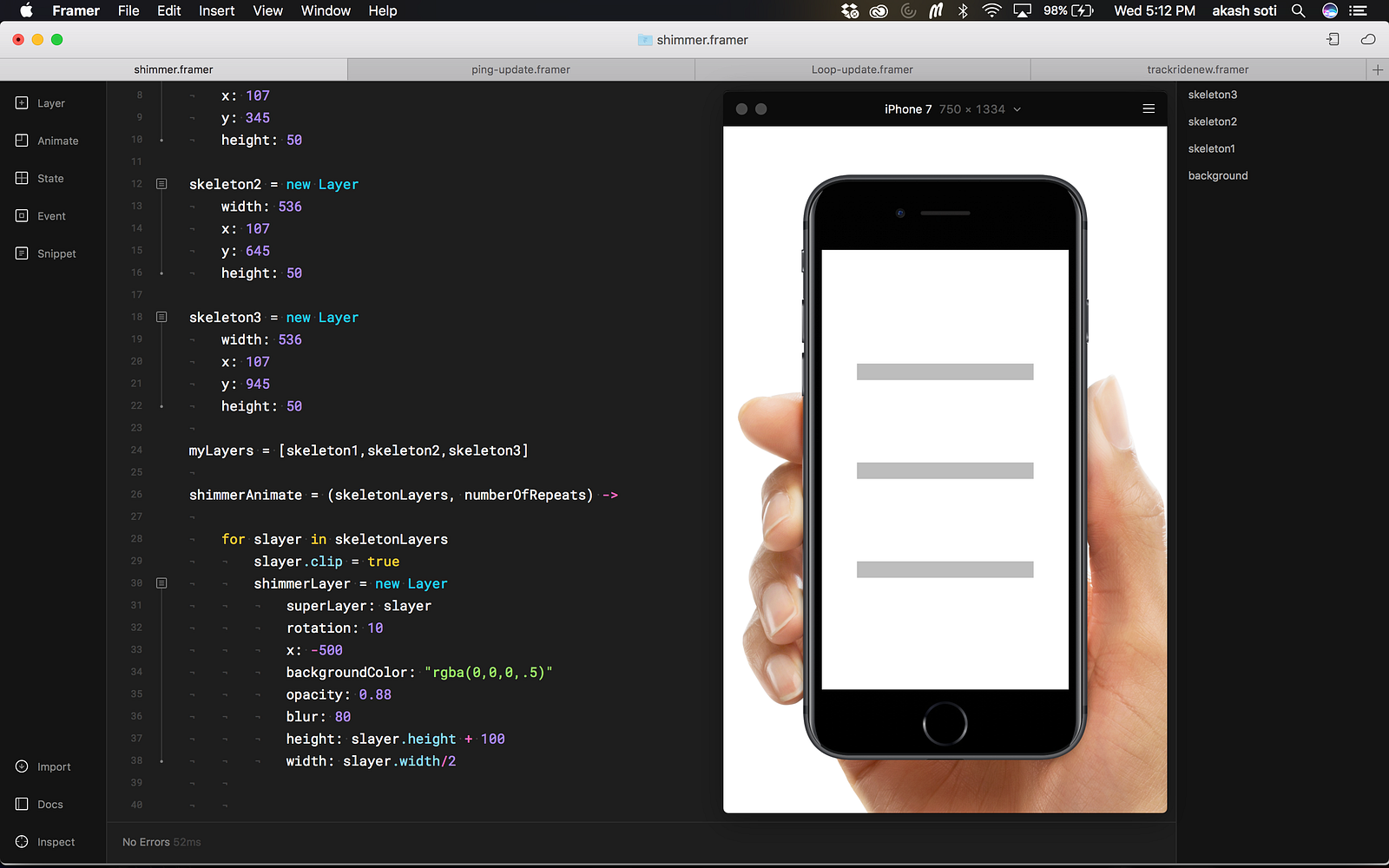
#this might look intimidating, but bear with me. I have explained it below this block.
shimmerAnimate = (skeletonLayers, numberOfRepeats) ->

  #slayer is your skeletonLayer(grey box)
  for slayer in skeletonLayers
    slayer.clip = true
    shimmerLayer = new Layer
      superLayer: slayer
      rotation: 10
      x: -500
      backgroundColor: "rgba(0,0,0,.5)"
      opacity: 0.88
      blur: 80
      height: slayer.height + 100
      width: slayer.width/2
Our function shimmerAnimate takes two arguments
- skeletonLayers , these are the layers on which we want the shimmer animation to happen.
- numberOfRepeats , this is the number of times you want the animation to run.
Pointing out the important stuff…
The for loop will go through each layer in myLayers to do the following:
- it will mark each skeleton layer, clip = true, i.e it will create a mask so that our shimmer layer always animate inside the skeleton layer and not over it.
slayer.clip = true
- it will create a new layer(shimmer layer) inside each box
To make sure that the shimmer layers go inside their respective boxes, we make shimmer layer’s super layer to slayer(skeleton). Doing this makes sure that skeleton layer is always the parent of shimmer layer.
You can play around with other properties of shimmer layer to figure out the best shimmer effect.
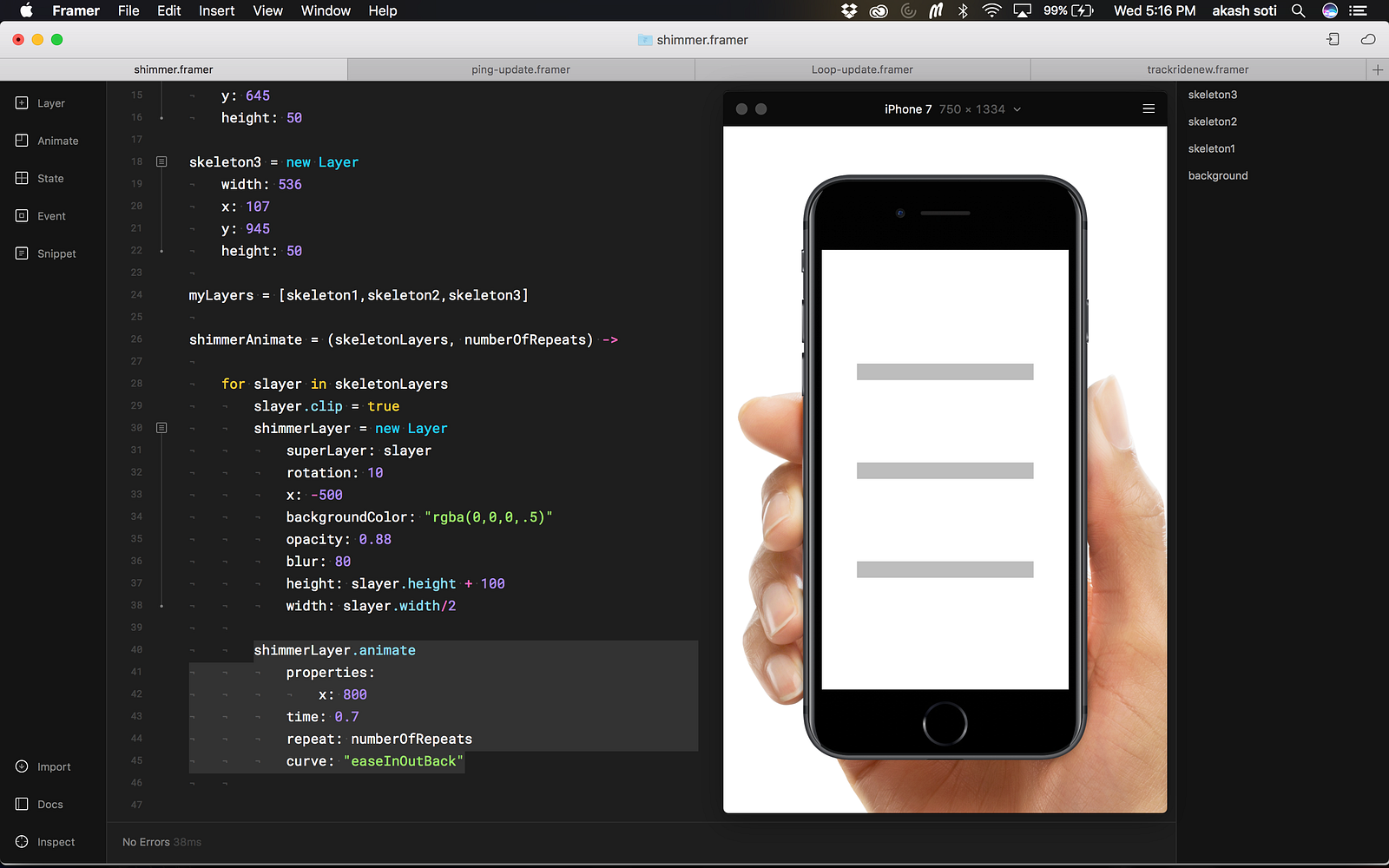
5. Let’s animate the shimmer inside those grey boxes
shimmerLayer.animate
   properties:
     x: 800
   time: 0.7
   repeat: numberOfRepeats
   curve: "easeInOutBack"
The shimmer layer starts at a -ve x value, and ends at a value which is greater than the width of your skeleton box, in this case it starts at -500 and ends at 800.
the whole thing…
6. Let’s play this
We will now just call our function(shimmerAnimate), and pass the array ‘myLayers’ with numberOfRepeats(the number of times shimmer will happen) as arguments.
shimmerAnimate(myLayers,16)
the final file…
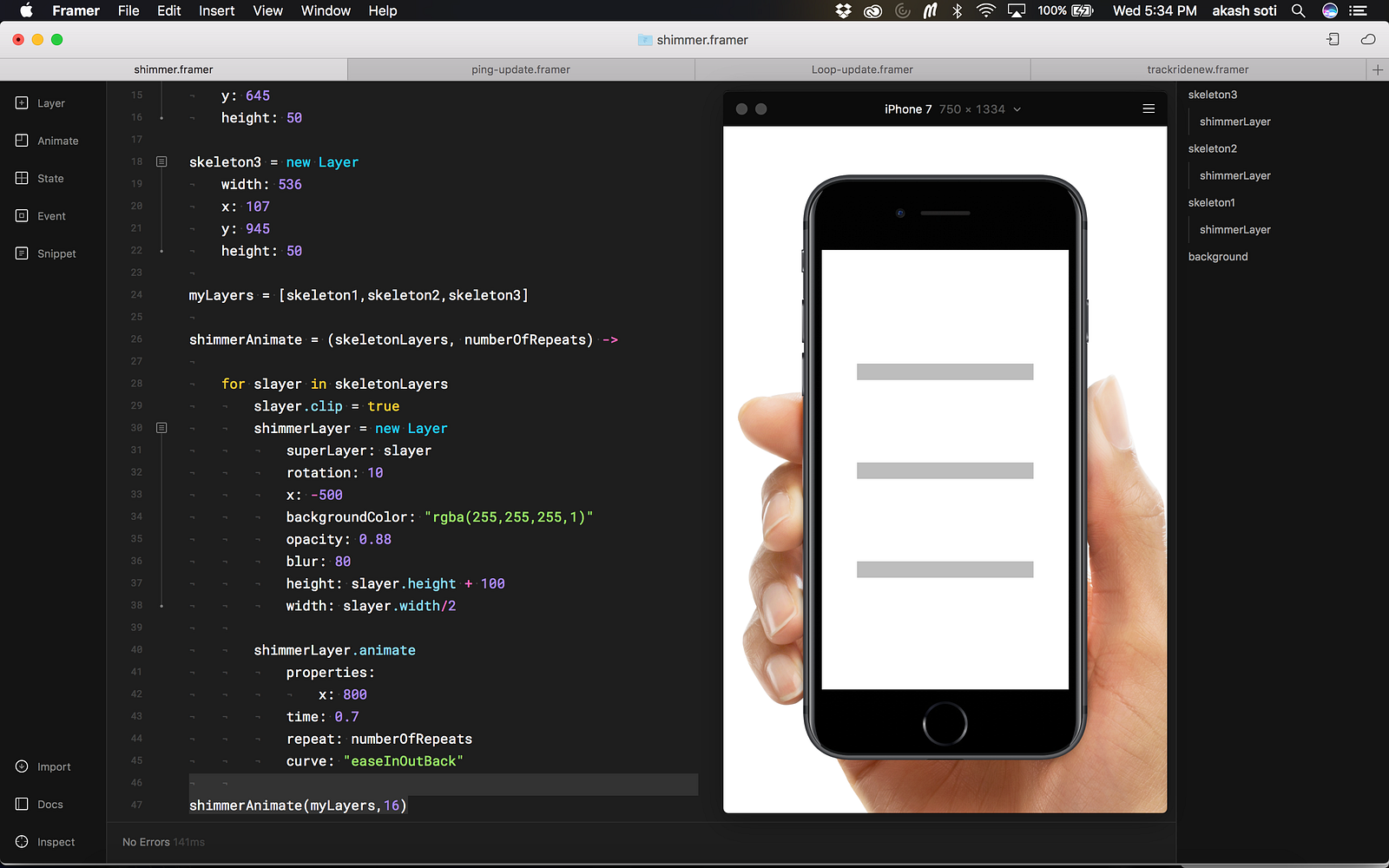
*Please note
I changed the color of shimmer layer to white, ‘rgba(255,255,255,1)’
here is how it looks in action…
<https://medium.com/media/f88b3a2ac36f84f99f2515470356f700/href>
You can play around with the properties of shimmerLayer to tweak it to your liking…
Final takeaway
- You can now use the ‘shimmerAnimate’ function as a module, just copy that function, put it inside your file.
- Make and arrange your skeleton layers as you like.
- Add those layers to an array.
- Pass that array and number of repeats as arguments to shimmerAnimate.
That’s it, it should do the job. Let me know in case you need help.
FRAMER FILE , <https://framer.cloud/RKDNA/>